ToriDiili
Toimitus alkaen 2,99 € + ToriDiili-palvelumaksu 2 €
ToriDiili on Torin uusi maksu- ja kuljetuspalvelu. Toimituksen jälkeen sinulla on 24 tuntia aikaa tarkastaa tuote ennen kuin rahat siirretään myyjälle.
Kunto: Kuin uusi
Tyyppi: Muut verkkokomponentit
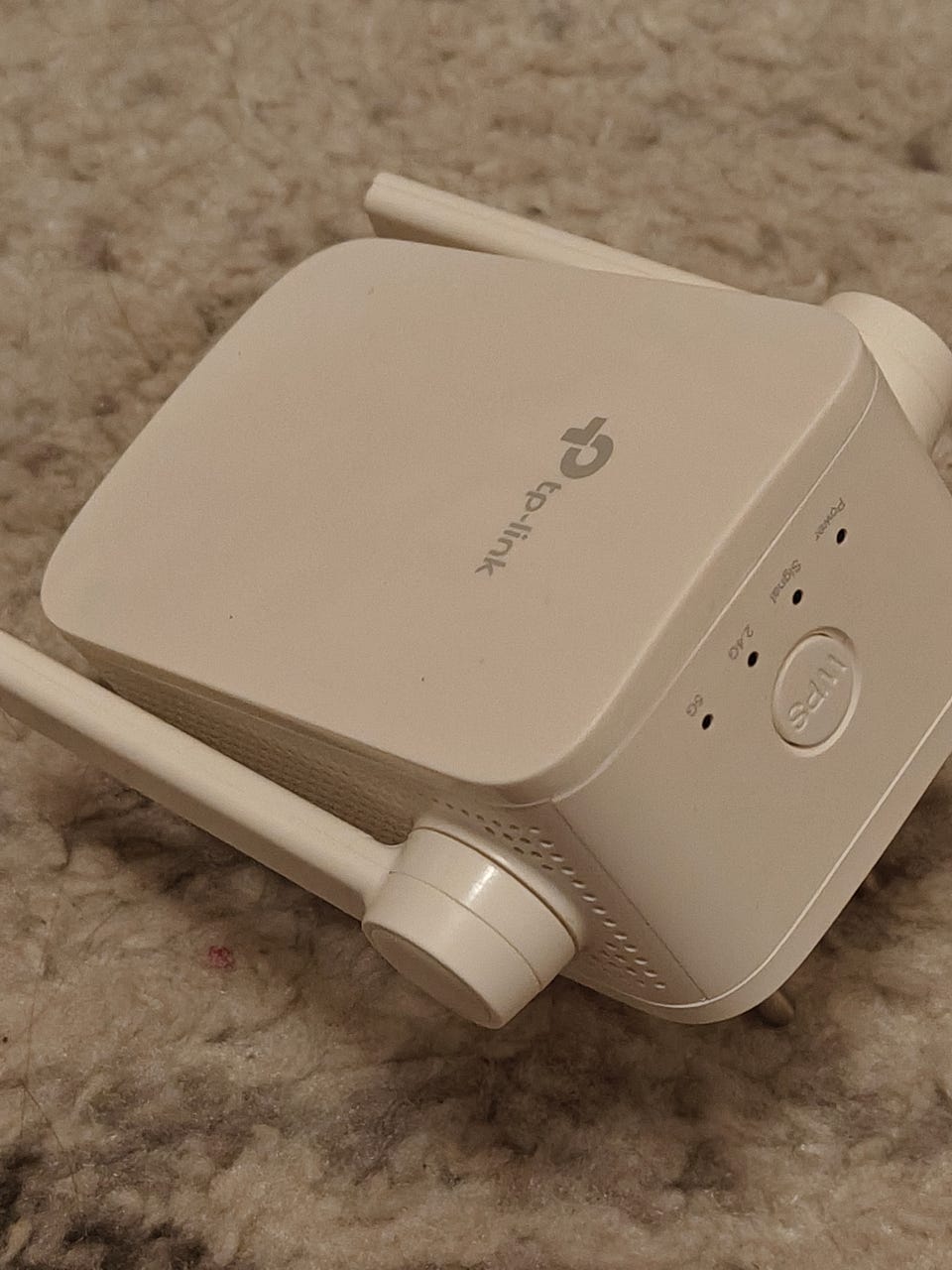
Excellent condition.
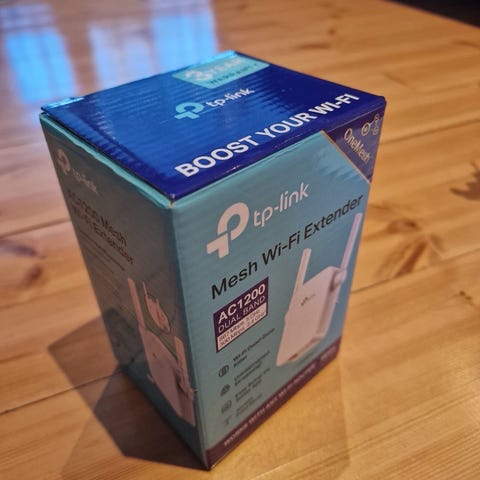
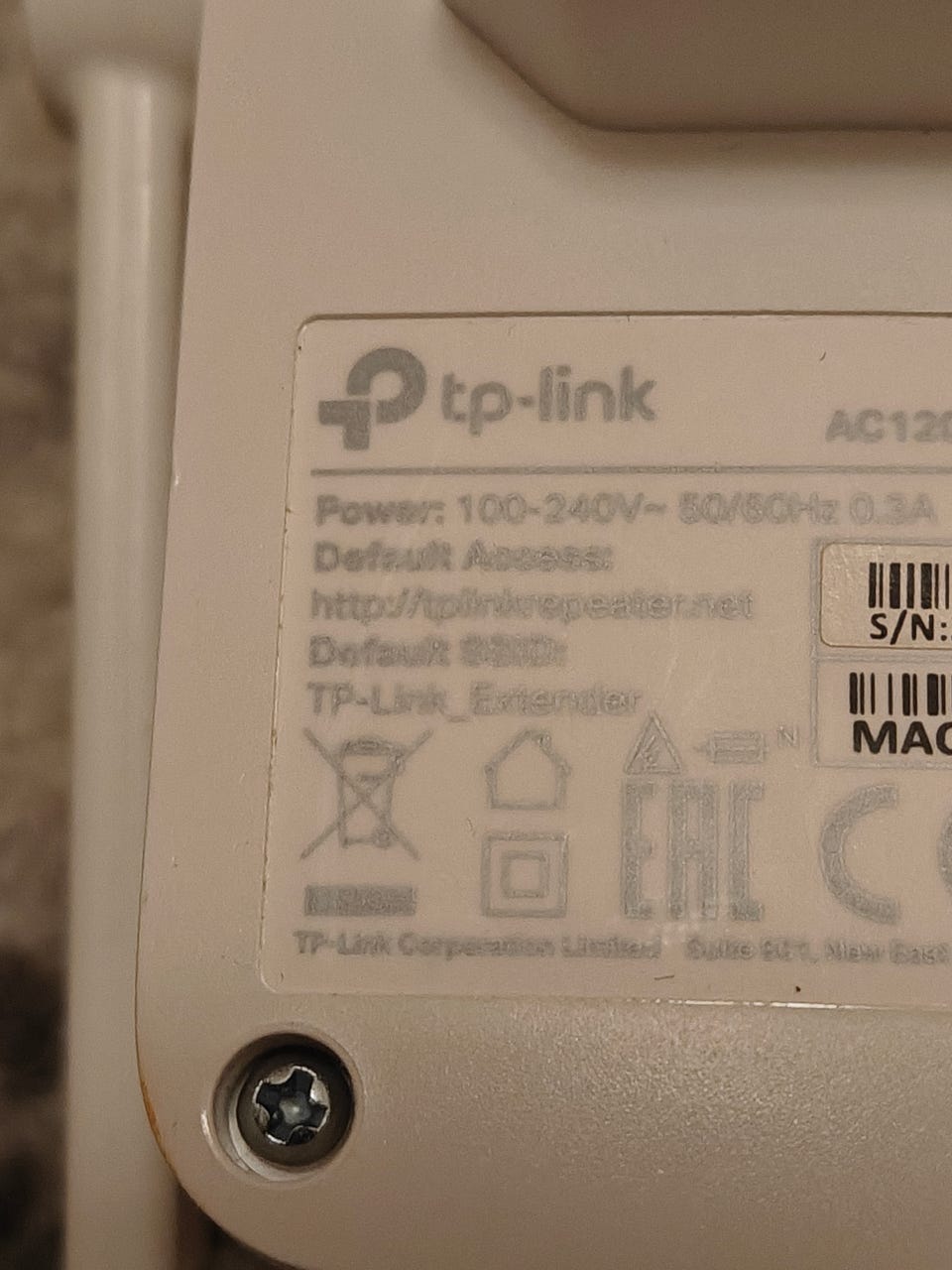
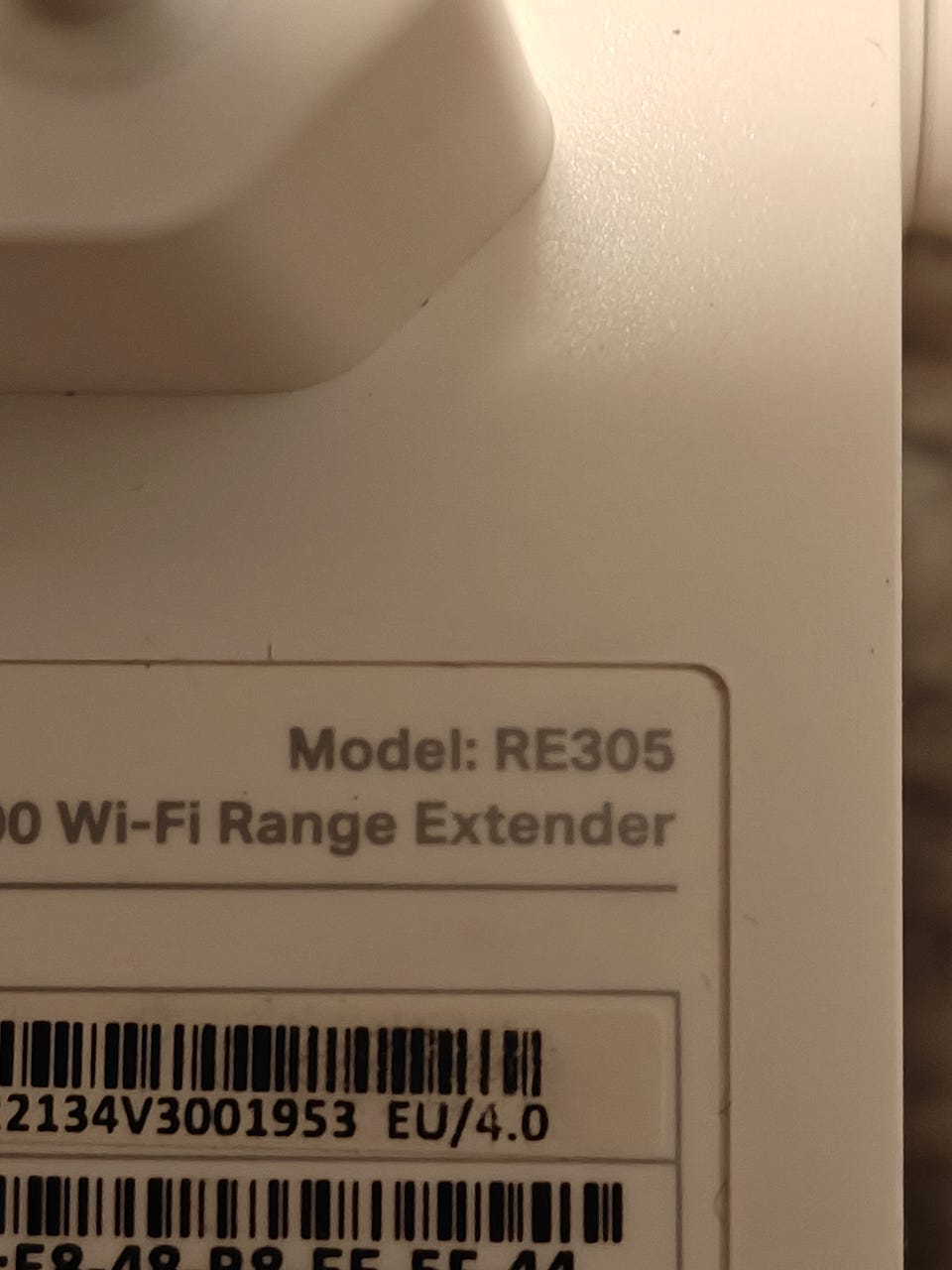
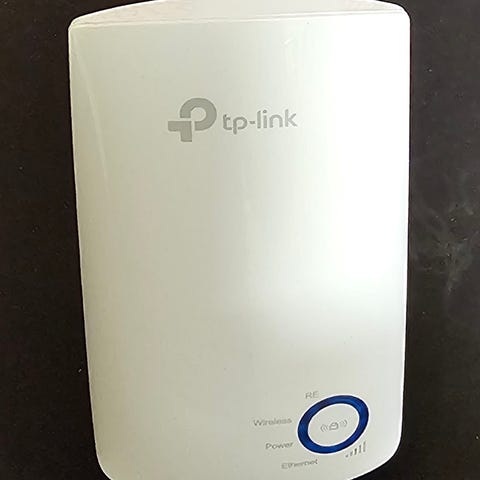
The TP-Link RE305 is an AC1200 dual-band Wi-Fi range extender designed to eliminate dead zones by strengthening and expanding the signal from a home router. It works by connecting wirelessly to your main router, re-broadcasting the signal, and allowing more devices to connect simultaneously.
How the TP-Link RE305 Works
Dual-Band Coverage: The RE305 provides 2.4GHz (up to 300Mbps) and 5GHz (up to 867Mbps) bands.
Wireless Extension: It receives the Wi-Fi signal from your router, amplifies it, and broadcasts a new, extended signal, typically with "_EXT" added to the original network name.
Placement: It is best placed about halfway between your main router and the area with poor coverage, using a built-in signal indicator (light) to guide the best placement.
OneMesh Compatibility: If used with a TP-Link OneMesh router, the RE305 can create a mesh network for seamless roaming (using one name for your whole house).
Access Point Mode: It features an Ethernet port, allowing it to be connected to a wired network via cable to act as a dual-band wireless access point.
Easy Setup: It can be configured in minutes using the TP-Link Tether app (Android/iOS) or the WPS button.
Key Features
Dual-Band Wi-Fi: 300Mbps on 2.4GHz and 867Mbps on 5GHz for faster streaming and gaming.
Ethernet Port: Allows connection of a wired-only device (like a smart TV or game console) to the network.
Intelligent Signal Light: Helps identify the best location to place the extender.
Access Point Mode: Transforms a wired internet connection into a wireless network.
Tether App Control: Allows for easy management of the device via phone.
How to Use It
Setup: Use the WPS button on your router and the extender, or use the web browser/Tether app to configure.
Optimal Placement: A red/blue LED light indicator tells you if the connection to the router is good (blue) or too far away (red).
Smart Connect: It is recommended to enable "Smart Connect" on your main router to unify the 2.4GHz and 5GHz bands for a more seamless experience.

Kirjaudu sisään, jos haluat nähdä profiilin ja lähettää viestejä.
Kirjaudu sisäänViimeksi muokattu: 7.2.2026 klo 9.51 ・ Ilmoituksen tunnus: 36738677